Home / Blogs
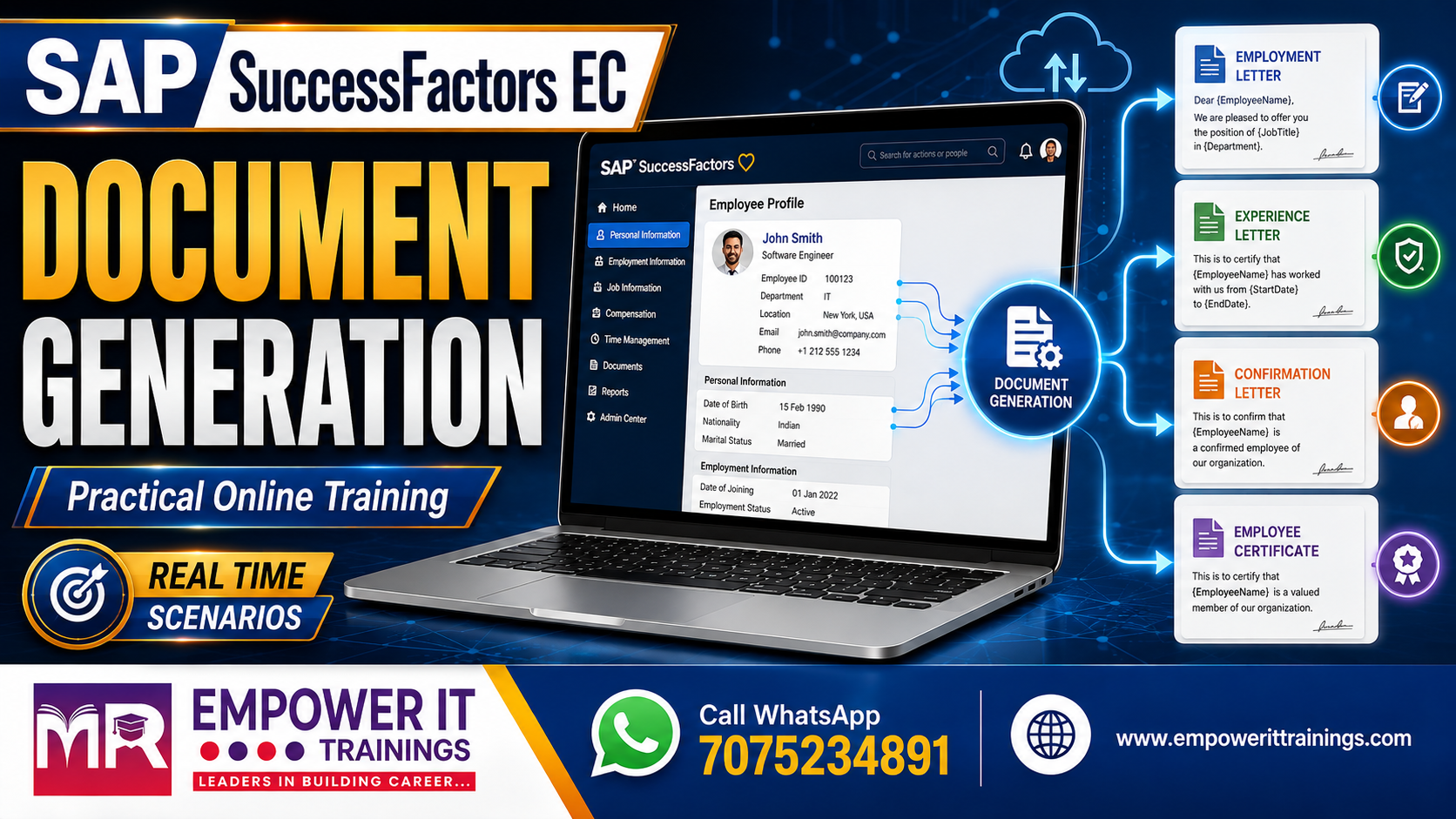
Every HR team I've worked with runs into this sooner or later. An employee needs a salary certificate for a home loan. Someone in the Dubai office wants an experience letter before they resign. A newly promoted manager needs their promotion letter to show the bank why their income just changed.
For years the answer was the same everywhere — someone opens a Word template, pulls up the employee's record in another tab, copies over the job title and the effective date, double-checks the numbers, and emails a PDF. It's fine at 200 employees. At 2,000, it's a full-time job for someone, and it's exactly the kind of full-time job nobody wants to have.
Document Generation in Employee Central exists to take that off someone's plate. Set up a template once, connect the placeholders to EC data, and let the system do what a person was doing manually — except it doesn't get tired on a Friday afternoon and mistype a salary figure.
That said, I've walked into more than one instance where Document Generation was “configured” but nobody trusted the output, so HR kept doing it manually on the side anyway. Usually the template was fine. The problem was almost always in how the placeholders were mapped.
The pipeline looks deceptively simple:
EC data → template → field mapping → generated document
Building the template itself is the easy half — get the letterhead right, drop in the standard legal language, mark where the dynamic fields go. Any HR ops person can review that part and tell you if it looks right.
The mapping is where the real implementation work lives. For every single placeholder, you're answering one question: where does this value actually come from, and does it behave correctly across effective-dated records? Get that wrong and the document still generates — it just generates with the wrong job title, or last quarter's salary, or a blank field where compensation should be.
Manage Document Template Mapping gives you five options, and I've seen teams overcomplicate this more than any other part of the configuration.
Direct Mapping — the value sits in an EC field already, no logic needed. First name, current job title, that sort of thing. If a value is sitting right there, just point at it. Don't dress it up.
Rule Mapping — for anything that needs calculation or conditional logic. A common one is deriving the document's issue date at generation time, since that's not a stored field anywhere.
Past Direct and Future Direct — these matter more than people expect going in. A promotion letter that goes out before the effective date needs to show the new title and salary, not whatever's active today. Miss this and you generate a technically correct document with the wrong facts in it, which is arguably worse than no document at all.
Reference Mapping — for values tied to workflow context or referenced/tagged data rather than a straightforward EC object.

My rule of thumb, and I say this to every client team: figure out what the data actually needs to do first, then pick the mapping type that does it. Don't reach for Rule Mapping because it feels more “configured” — that's how you end up with fifteen rules doing what three direct mappings could've handled, and a maintenance headache six months later when someone else has to open the instance and figure out why.
This is the mistake I see most often in existing instances — rules bolted onto placeholders that never needed them. Someone built one rule, it worked, and now it's the template for everything, including fields that could've been a two-second direct mapping.
Use a rule when you need to derive something, apply an if/then, reformat a date or currency, or handle a scenario that genuinely varies. Otherwise, direct mapping does the job with far less to troubleshoot later. Every rule you add is something the next consultant — or you, eighteen months from now — has to read and understand before they can safely touch the template.
Clients conflate these two more often than you'd think, usually in the first requirements workshop before anyone's drawn a line between them.
Document Generation is about producing the letter — template plus EC data equals output.
Document Management is what happens to that letter afterward — where it's stored, who can access it, how long it's retained, whether it needs to survive an audit five years later.
If a client's real ask is long-term, governed storage rather than just generating a letter on demand, that's a different conversation — usually pointing toward something like OpenText Extended ECM, Box, or PeopleDoc rather than more configuration inside Document Generation itself. Getting this distinction straight in week one saves a lot of rework in week eight.
A template that generates a perfect letter for your one test employee will absolutely fail somewhere in production. Before I hand anything to HR operations, I run it against:
The point isn't just “did a document come out.” It's whether the right effective-dated values landed in it. A document can generate cleanly and still be wrong, and that's a much harder problem to catch after go-live than before it.
None of this is complicated in isolation. What makes Document Generation solid isn't clever configuration — it's discipline about three things: getting the template content right before you touch mapping, tracing every placeholder back to the EC object that actually owns it, and reaching for a business rule only when a direct mapping genuinely can't do the job.
Do that consistently, and you hand HR something they can run without calling you every time an edge case shows up. That's really the whole point of building it in the first place.